
Your videos, on the car display.
DrivePlay shows the video websites you open and your own videos on your iPhone and on the CarPlay display in your car.
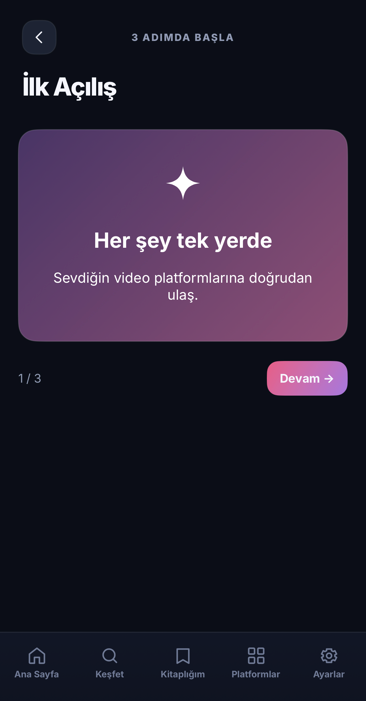
Start on your phone, watch on the car display.
-
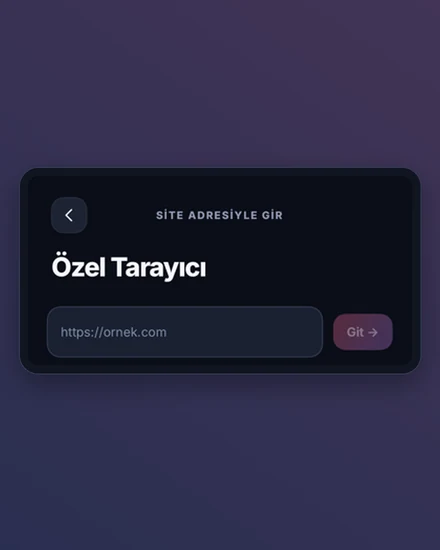
Open a site at its own address
Use the built-in shortcuts to open video platforms' own web pages, or type an https address. If a site needs you to sign in, you do that on the site's own page; DrivePlay never asks for your site password.
-
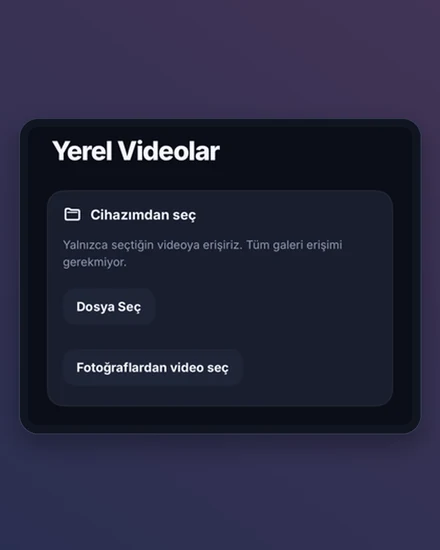
Add your own videos
Pick a video from Photos or Files. A copy of the video is brought into the app and plays on your iPhone; the original stays where it is.
-
Continue on the car display
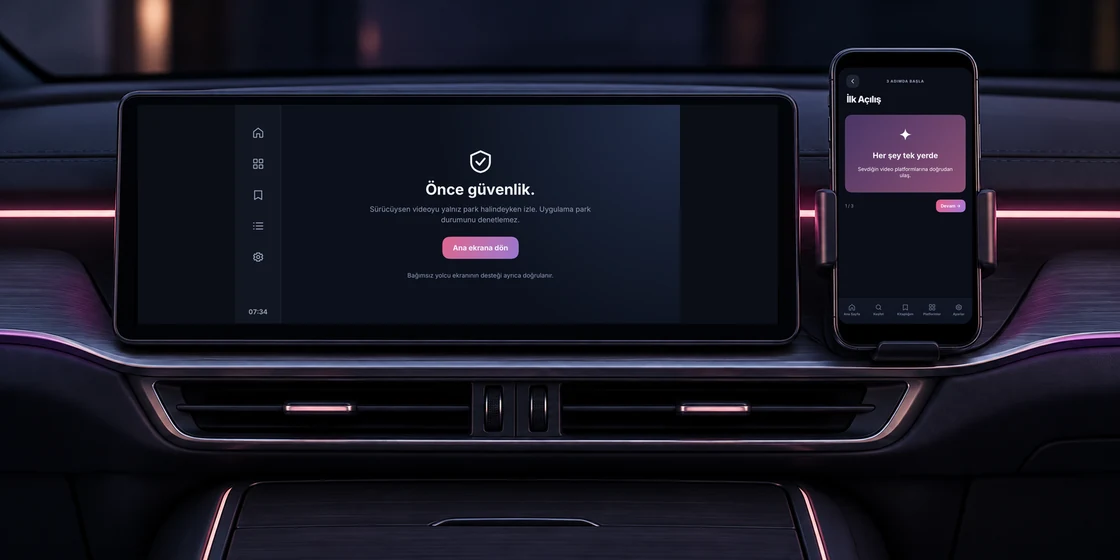
With your iPhone connected to CarPlay in a compatible car, you can open platforms and favorites on the car display. Selecting your own video on the phone prepares it paused; start playback using the car controls.
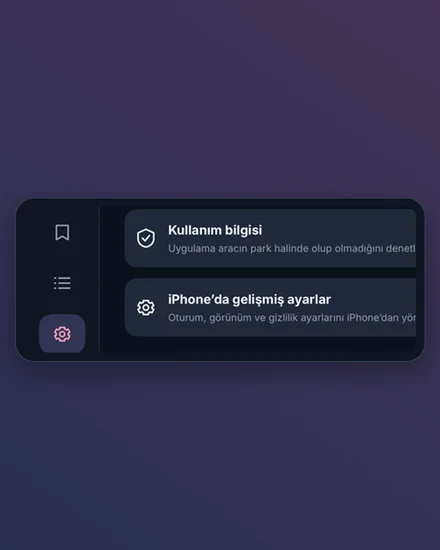
Your first 10 separate CarPlay connections are free. App features then require a one-time DrivePlay Pro purchase. Settings, purchase/restore and privacy/support remain available.
DrivePlay is not an official app of any video platform and is not affiliated with them. Each site you open has its own terms of use; there is no guarantee that a given site works inside the app.
If you are driving, only watch video while the car is parked.
The app does not check whether the car is parked. Until you accept this rule on your iPhone at first launch, DrivePlay does not play video.
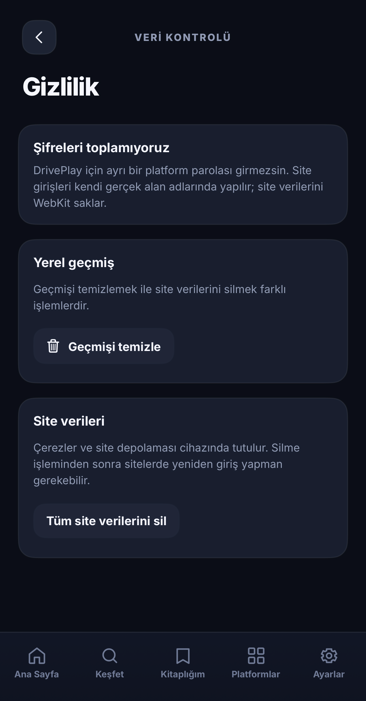
Your history and website data stay with you.
- No account. DrivePlay sends no data to the developer or to any server of the developer's; it connects to the sites and streams you open, to those sites for icons, to Google for searches and to Apple for Pro purchases. It contains no analytics, advertising or tracking software.
- Kept on your device. Your history, favorites, shortcuts, settings and imported videos are stored on your iPhone.
- You decide what goes. The Privacy screen clears your history and the data websites store, each on its own.
Coming soon to the App Store.
Write to us with a problem, a suggestion or a privacy question.